Yousign — Building AI Features
Built Yousign's AI design strategy from zero — defining principles, running alignment workshops, and shipping features that made complex document workflows feel effortless.
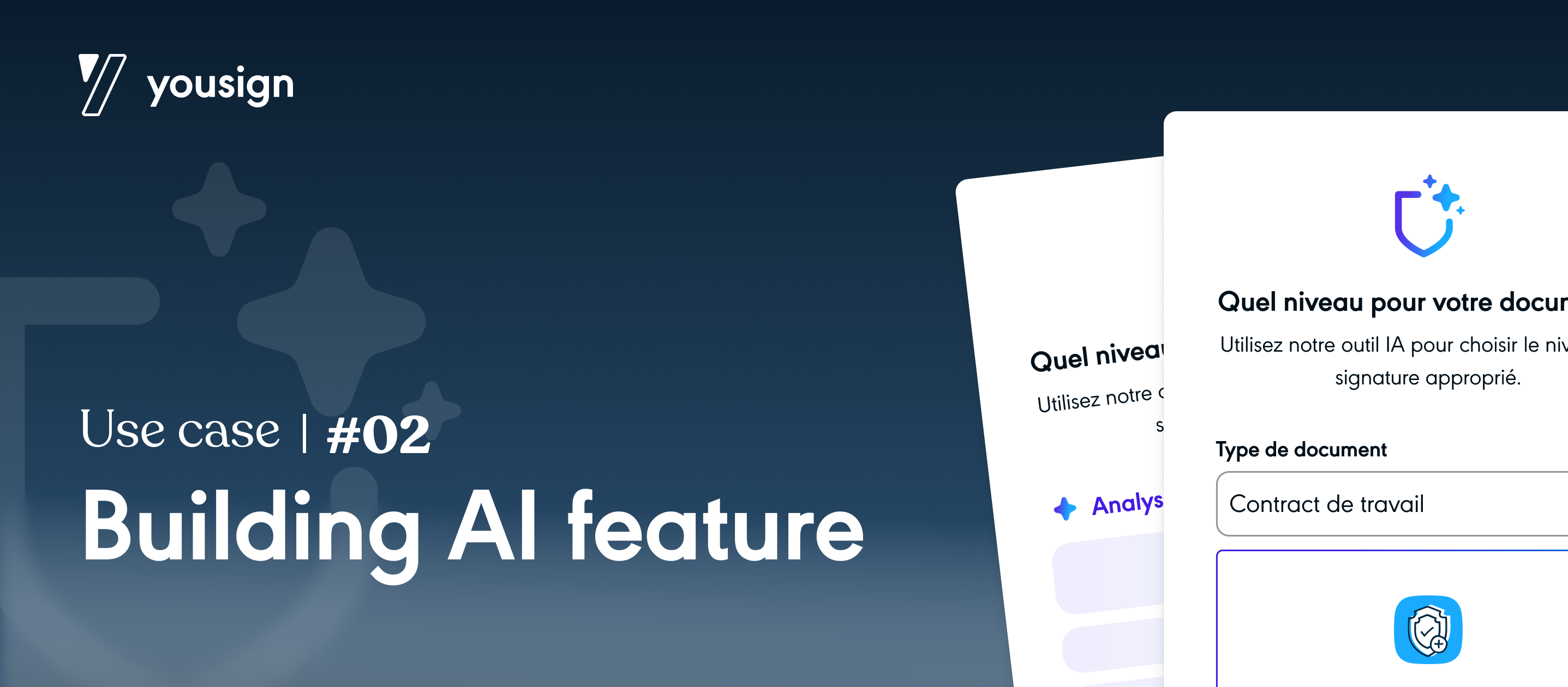
AI without a plan is noise
In 2023, every SaaS company was rushing to ship AI features. Yousign was no exception — there was organisational pressure to move fast, but no shared understanding of where AI actually created value for our users, or how to do it responsibly in a legal and compliance-sensitive context.
I was asked to lead the design of Yousign's AI approach — not just the UX of individual features, but the thinking behind them: what to build, how to frame it, and how to ensure it earned user trust rather than eroded it.
Designing AI in a trust-sensitive product
Yousign operates in a legally binding, high-stakes context — electronic signatures carry real legal weight. Users are understandably cautious. The challenge wasn't technical feasibility — it was earning the right to use AI in a context where mistakes have real consequences.
Core question: How do you design AI features that make users feel more in control, not less — while still delivering meaningful time savings?
Beyond UX, there was an internal alignment challenge. Product, engineering, legal, and design all had different instincts about AI — what it should do, how it should be communicated, what it should never do. Getting these teams to a shared position was as important as designing the features themselves.
Strategy before screens
AI landscape audit
Mapped the competitive landscape — how were other B2B SaaS products using AI? What were the emerging patterns for communicating AI capabilities, limitations, and errors? Identified patterns worth adopting and anti-patterns to avoid.
Alignment workshop series
Facilitated 3 cross-functional workshops bringing together product, engineering, legal, and leadership. Output: a shared AI principles document that defined what Yousign's AI would and wouldn't do — our north star for all subsequent decisions.
UX guidelines for AI
Authored Yousign's AI UX guidelines — covering transparency, error states, user control mechanisms, and confidence communication. These became the foundation for every AI feature the team would build.
Feature design & prototyping
Designed the first three AI features: smart field detection, document summarisation, and a clause extraction tool. Each feature was prototyped and tested with users before a single line of production code was written.
Ship, learn, refine
Worked closely with engineering through delivery — defining edge cases, writing microcopy, and iterating based on early user feedback. Established a feedback loop that continues to improve AI feature quality post-launch.
Selected screens

Smart field detection — surfacing AI suggestions in context


Document summarisation & clause extraction interfaces
Our AI design principles
The principles document we produced became a reference point for the entire product team. A few that proved most consequential:
Always show, never just tell
AI suggestions should be visible and editable. Users should always see what the AI produced and have a clear, zero-friction path to modify or reject it. Opacity destroys trust.
Confidence ≠ certainty
We designed explicit uncertainty communication — visual signals and copy that helped users calibrate how much to rely on AI output, especially for legally sensitive content.
Degrade gracefully
Every AI feature had a defined fallback for when the model failed or was uncertain. Users should never be left stranded by an AI error.
What I took away
Designing AI features in a trust-sensitive context taught me that the UX of AI is primarily about trust engineering, not capability showcasing. Users don't want to be impressed by AI — they want to feel like they're still the ones making decisions.
The alignment workshop work was equally valuable. Getting cross-functional teams to agree on AI principles before building anything saved significant rework and created a shared vocabulary that made every subsequent decision faster.