Revit Electrical — BIM Plugin
Supporting the Schneider Electric × Autodesk partnership to design and deliver a new Revit plugin — bringing smart electrical component selection directly into BIM engineers' workflows.
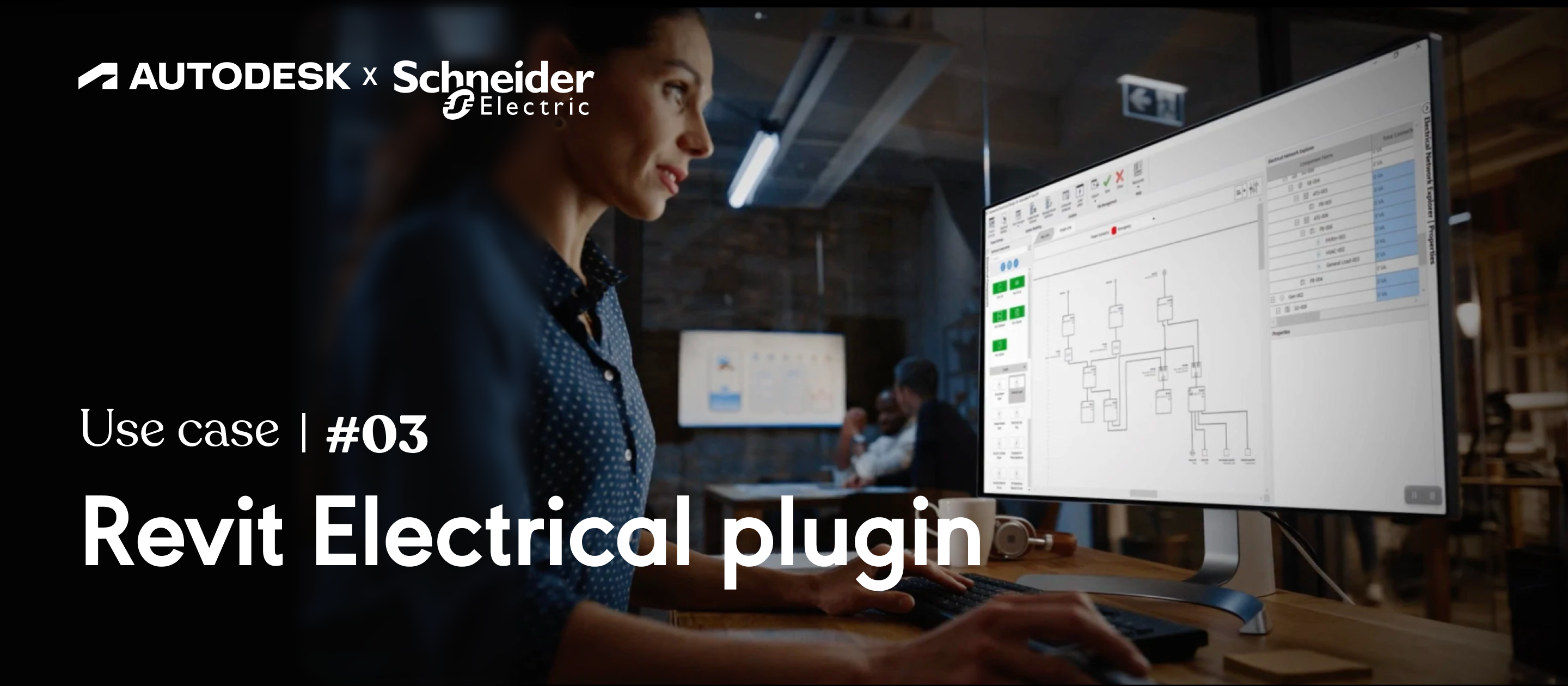
Designing for a world I had to learn first
BIM (Building Information Modeling) is a highly specialised domain. Engineers designing electrical systems for large buildings use Autodesk Revit as their primary tool — a powerful but dense CAD environment with its own conventions, workflows, and terminology.
Schneider Electric and Autodesk were partnering to build a plugin that would let BIM engineers select, configure, and place Schneider electrical components directly in Revit — eliminating the manual, error-prone process of cross-referencing product catalogues while modelling.
I joined the project as the lead designer at Frog, embedded in the partnership team. My first challenge: become functional in a domain I knew nothing about, fast.
Designing for expert users in an alien environment
BIM engineers are power users. They have deeply ingrained workflows, strong opinions, and zero tolerance for tools that don't fit their mental model. Designing for them meant observing first, proposing second.
The paradox: The engineers we were designing for were so efficient in their existing (broken) workflow that they'd unconsciously optimised around its limitations. Our job was to make something better without disrupting their hard-won efficiency.
The technical context added further constraints: Revit plugins have strict UI limitations. We weren't building a standalone app — we were designing a panel that had to live inside Revit's dense interface without feeling foreign or intrusive.
Deep domain research first
Field research & shadowing
Spent two weeks shadowing BIM engineers at three different firms. Watched them work in Revit for hours, asked questions, built a detailed workflow map. Only after this immersion did I feel qualified to suggest anything.
Revit constraint mapping
Worked closely with Autodesk's technical team to understand what was and wasn't possible within Revit's plugin framework. Identified the UI building blocks available and defined our design language within those constraints.
Concept & information architecture
Mapped Schneider's product catalogue structure to a navigation model that matched how engineers think — by application, then specification, not by product family. Prototyped three IA concepts and tested with users.
High-fidelity design in Revit context
Designed the plugin panel at full fidelity, embedded in real Revit screenshots. Ran validation sessions with engineers, iterating on component filtering, search, and the placement confirmation flow.
MVP delivery & handoff
Defined the MVP scope with the partnership team — what to include, what to defer, and how to phase subsequent releases. Produced a comprehensive handoff document that allowed the development team to build without constant designer involvement.
Selected screens

Plugin panel embedded in the Revit interface — designed to feel native


Component filtering & catalogue navigation — built around engineers' mental model
What I took away
This project reinforced something I believe deeply: domain fluency is a competitive advantage for designers. The engineers we designed for respected the fact that we'd done the homework to understand their world before proposing anything. That respect opened doors — and produced better design decisions.
Designing within the constraints of an existing platform (Revit) was also a valuable exercise in creative constraint. The limitations forced us to be more intentional about every UX decision — there was no room for decoration, only clarity.
Working in a three-party partnership (Frog, Schneider, Autodesk) was a lesson in stakeholder management at scale. Keeping three organisations aligned on scope, priorities, and design decisions required structure, clear documentation, and a lot of facilitation.